
Last updated: January 23, 2026
Managing bills and payments online is easier than ever with Bayad.com, one of the Philippines’ most popular digital payment platforms. Whether you want to pay utilities, loans, or government fees, having a Bayad.com account makes your life hassle-free. In this guide, we’ll show you how to create your Bayad.com account in just a few simple steps.
Why You Should Create a Bayad.com Account
Before we dive into the steps, here’s why having a Bayad.com account is worth it:
- Convenience: Pay bills anytime, anywhere, without going to payment centers.
- Multiple Payment Options: Bank transfer, debit/credit cards, or cash-in partners.
- Track Payments: Keep a history of all your transactions in one place.
- Safe and Secure: Bayad.com uses encrypted connections to protect your data.
Step 1: Visit the Bayad.com Website
- Open your browser and go to https://www.bayad.com.
- Click the “Sign Up” or “Register” button located at the top right corner.
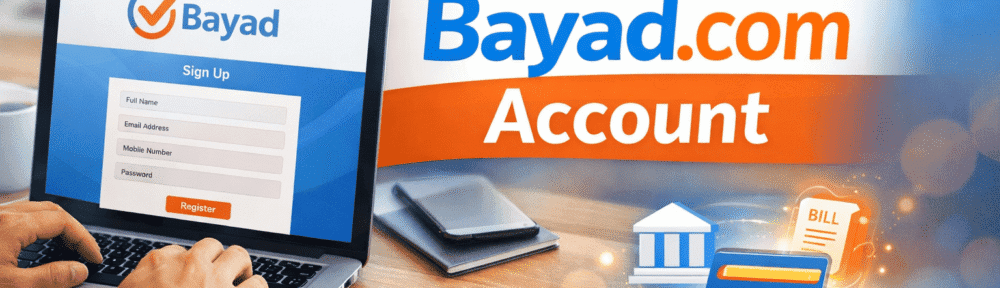
Step 2: Fill Out Your Personal Details
You’ll need to provide:
- Full Name – as it appears on your valid ID.
- Email Address – a valid email you frequently check.
- Mobile Number – for OTP verification and account alerts.
- Password – create a strong password (at least 8 characters with letters and numbers).
Make sure your details are accurate to avoid verification issues.
Step 3: Agree to Terms and Verify Your Account
- Tick the box to agree to Bayad.com’s Terms and Conditions and Privacy Policy.
- Click “Register”.
- Check your email for the verification link.
- Click the link to activate your account.
Step 4: Start Paying Bills
Once your account is verified, you can pay bills right away:
- Log in to Bayad.com.
- Go to “Pay Bills”.
- Choose the company or service you want to pay.
- Enter the account number or reference number.
- Select your preferred payment method at the time of payment.
- Confirm the amount and click “Pay”.
- You’ll receive an email confirmation once the payment is successful.
Tips for a Smooth Bayad.com Experience
- Always use a strong password and avoid sharing it.
- Enable two-factor authentication if available.
- Regularly check your transaction history for any discrepancies.
- Keep your email and mobile number updated in your account.
Blogger’s Corner
Creating a Bayad.com account is quick, free, and hassle-free. Once registered, you can pay all your bills online safely and conveniently — no more long lines!