
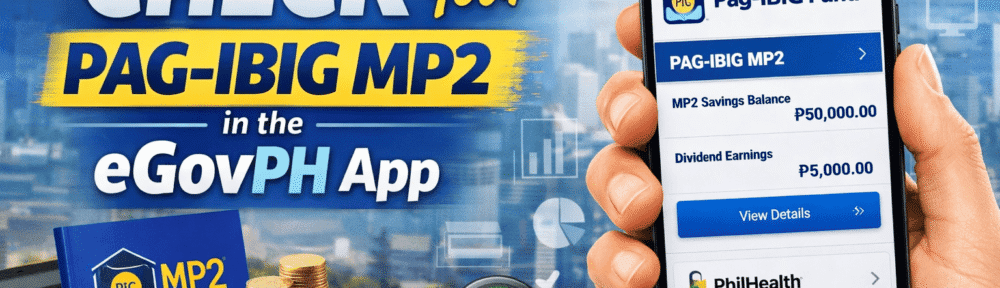
Managing your Pag-IBIG MP2 account just got a whole lot easier. Thanks to the eGovPH app, you can now check your MP2 contributions, dividends, and balances anytime, anywhere, without having to line up at a Pag-IBIG branch.
In this guide, we’ll show you step-by-step how to access your MP2 information via the eGovPH app.
What You Need Before You Start
Before you dive in, make sure you have:
- A smartphone with the eGovPH app installed
- An active eGovPH account
- Stable internet connection
If you haven’t registered yet, check out our step-by-step guide to registering on the eGovPH app.
Step 1: Open the eGovPH App
- Tap the eGovPH icon on your phone.
- Enter your email/mobile number and password.
- Tap Login.
Step 2: Access Pag-IBIG Fund Services
- On the dashboard, tap the Pag-IBIG Fund icon.
- First-time users will see a consent screen asking to share your eGovPH information with Pag-IBIG. This includes:
- Full Name
- Birthdate
- Address
- Sex
- Nationality
- Mobile Number
- Signature
- PCN (Pag-IBIG Citizen Number)
- Photo
- Passport
- TIN
- Tap “I Agree” to continue. This is required so Pag-IBIG can retrieve your MP2 account information.
Step 3: Navigate to MP2 Services
- Once inside the Pag-IBIG portal, tap “Savings” from the top menu.
- You’ll be given two options: Regular Savings or MP2.
- Tap MP2 to access your account.
Here, you can see:
- Current Balance
- Total Contributions
- Dividends Earned
- Payment History
This makes it easy to track how your MP2 investment is growing without visiting a branch.
Step 4: Download or Screenshot Your Statement
- Some sections allow you to download your MP2 statement for record-keeping.
- Or you can take a screenshot of your balance and contributions for quick reference.
Step 5: Stay Updated
- Enable push notifications on the eGovPH app.
- This way, you’ll get updates whenever there’s a change in your MP2 contributions or dividends.
Tips for a Smooth Experience
- Keep the eGovPH app updated to the latest version.
- Use Wi-Fi or strong mobile data to avoid connection issues.
- If you encounter issues, Pag-IBIG customer service can still help resolve account discrepancies.
Blogger’s Corner
Honestly, using the eGovPH app to check your Pag-IBIG MP2 account is a game-changer. No more long queues, waiting for statements, or calling different offices just to know your balance.
The app also makes it safer and faster to keep tabs on your investments. For anyone serious about growing their MP2 savings, this feature is a must-use.
So, if you haven’t already, download the eGovPH app and check your Pag-IBIG MP2 info today. It’s convenient, fast, and fully official.